Skip to content
Imagen representativa de What’s new May
Topic: What's new
Date:

What’s new May

CONFIGURATION

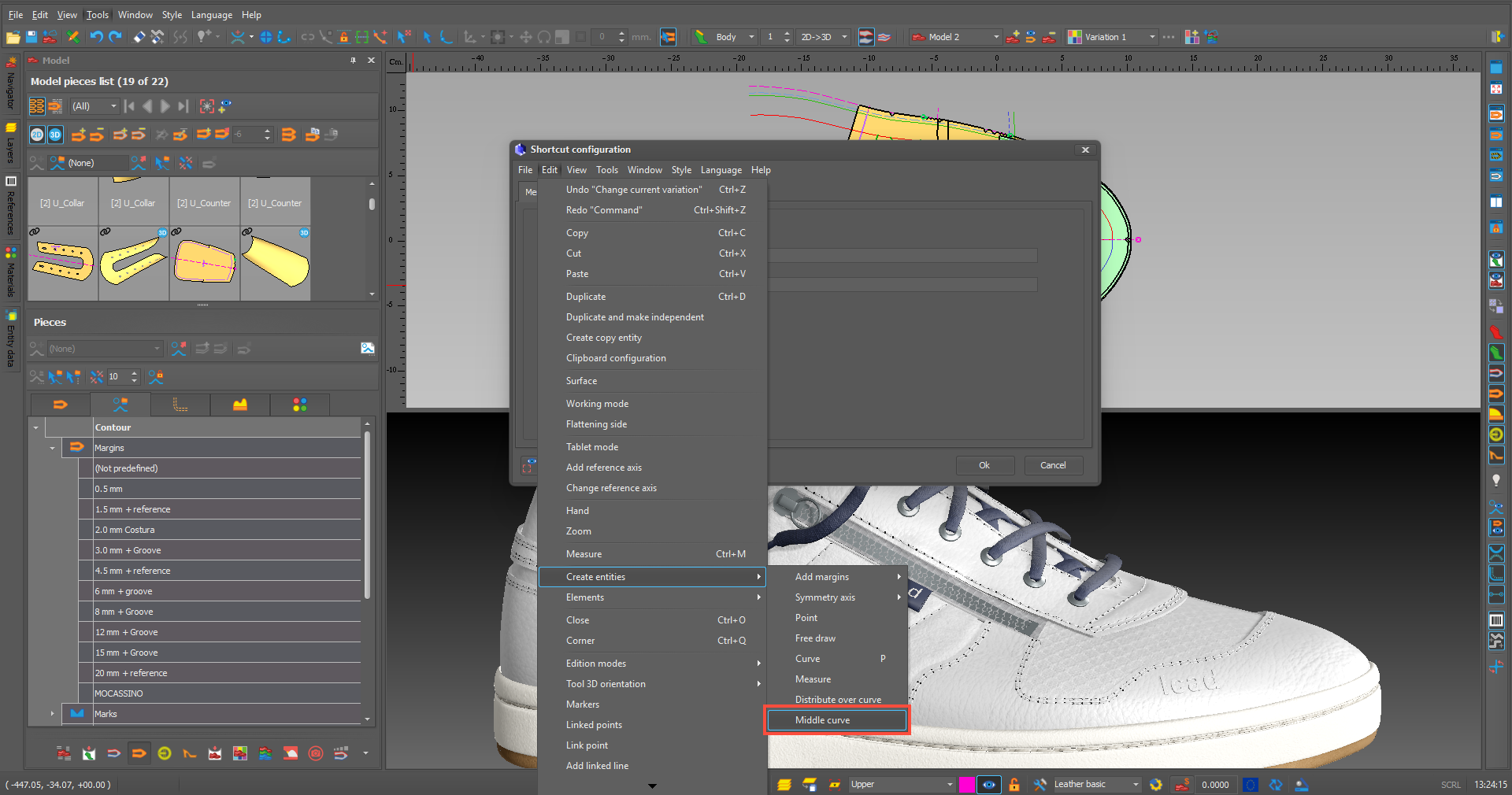
  • Now we have new options for adding shortcuts for shell functions and elements.

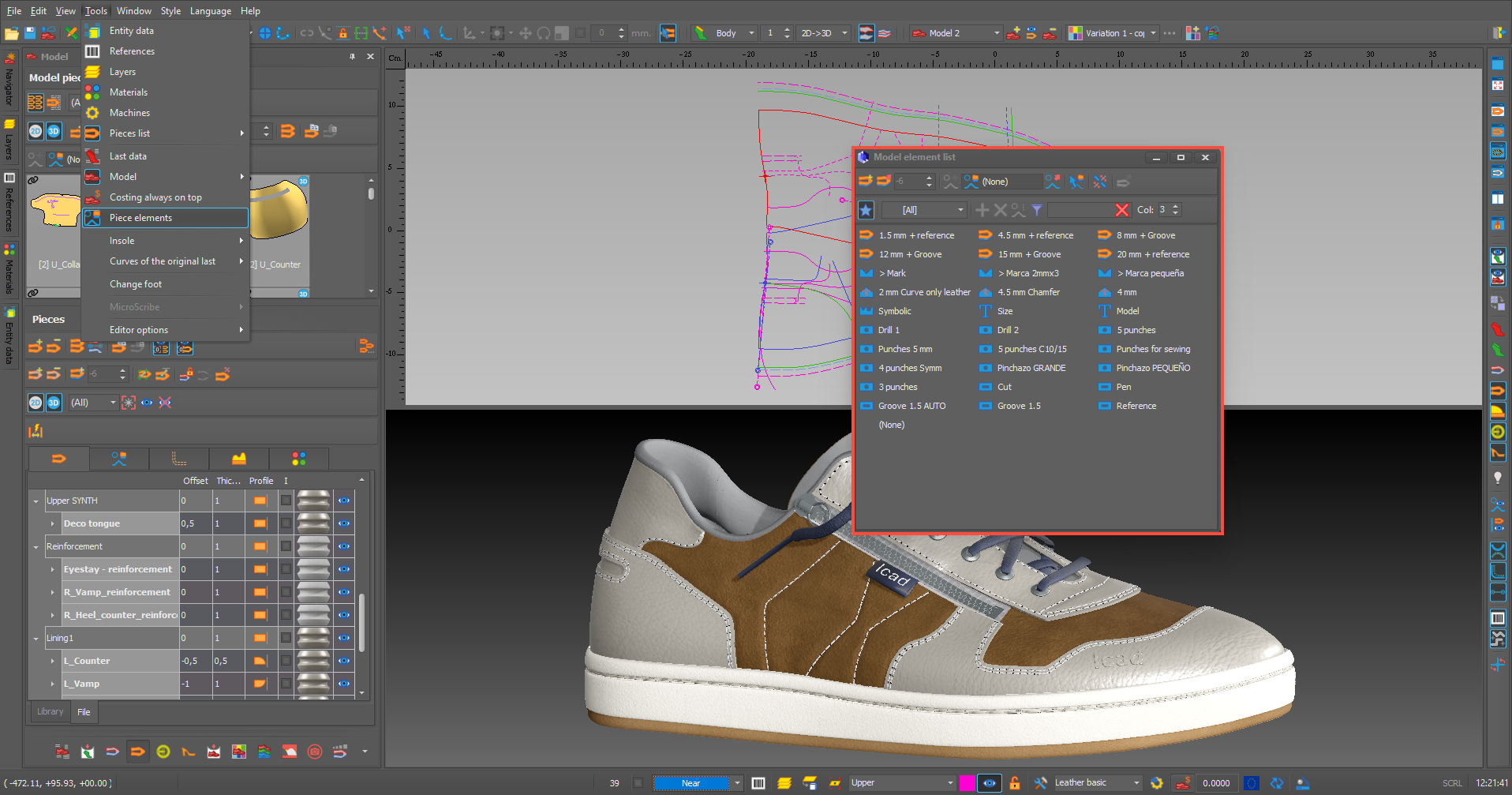
  • The option to have the ELEMENTS form as a floating window has been enabled.

PIECES

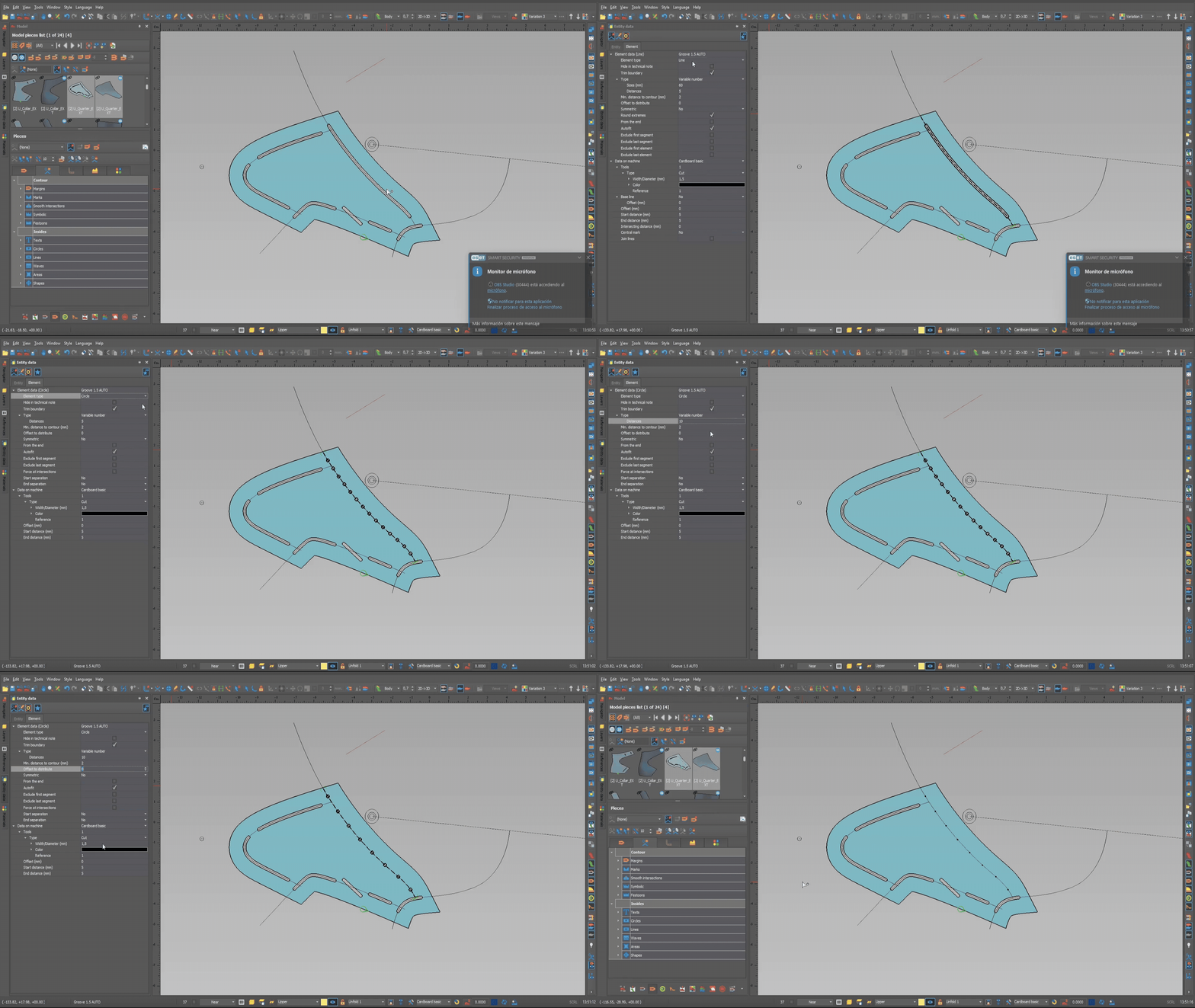
  • The option to change the element type from the Entity Data menu has been enabled.

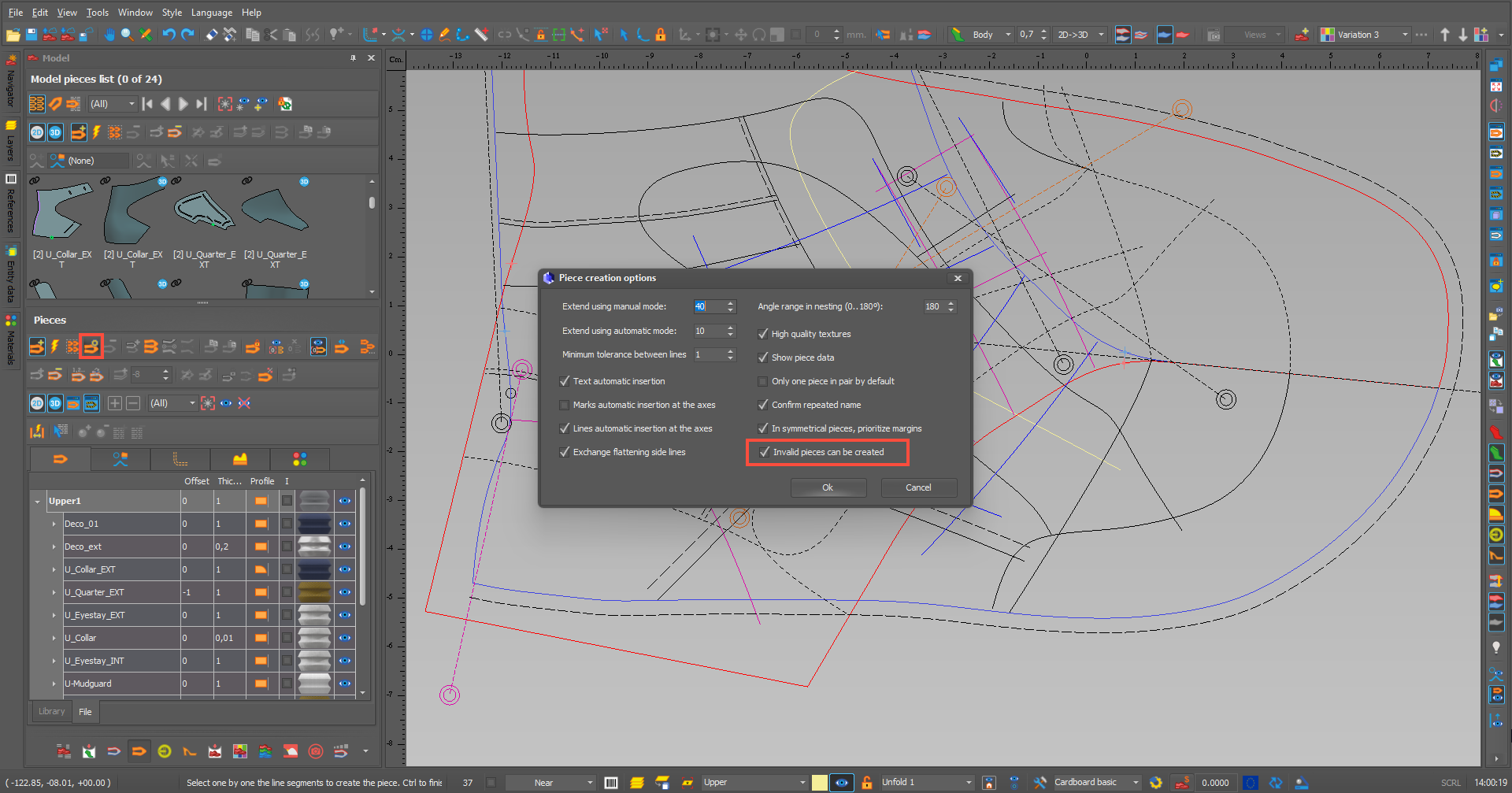
  • An option has been added to create invalid pieces, which can then be edited to make them valid.

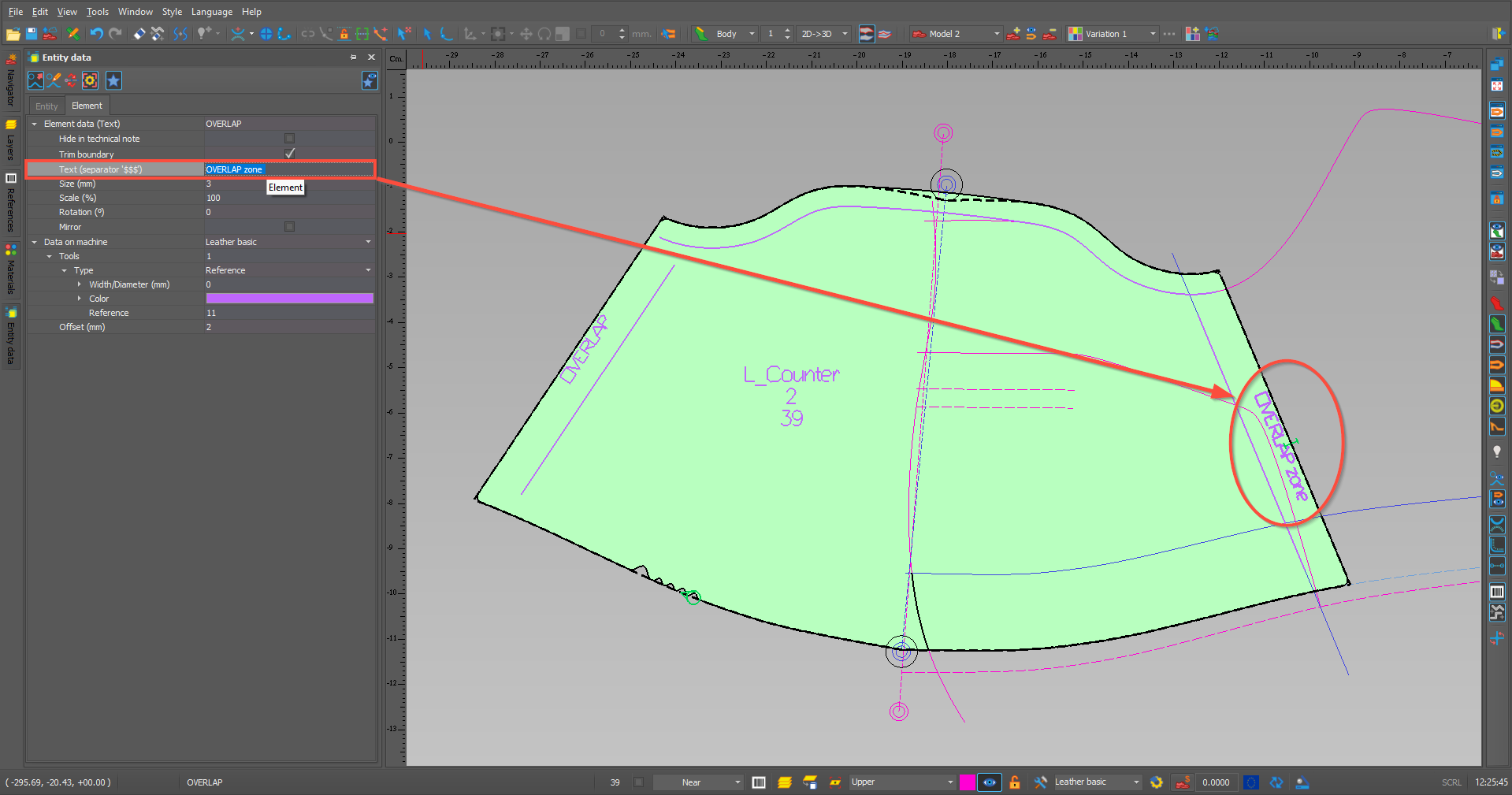
  • We can now edit text fields in ENTITY DATA provided there are no references (piece name, size, etc.).

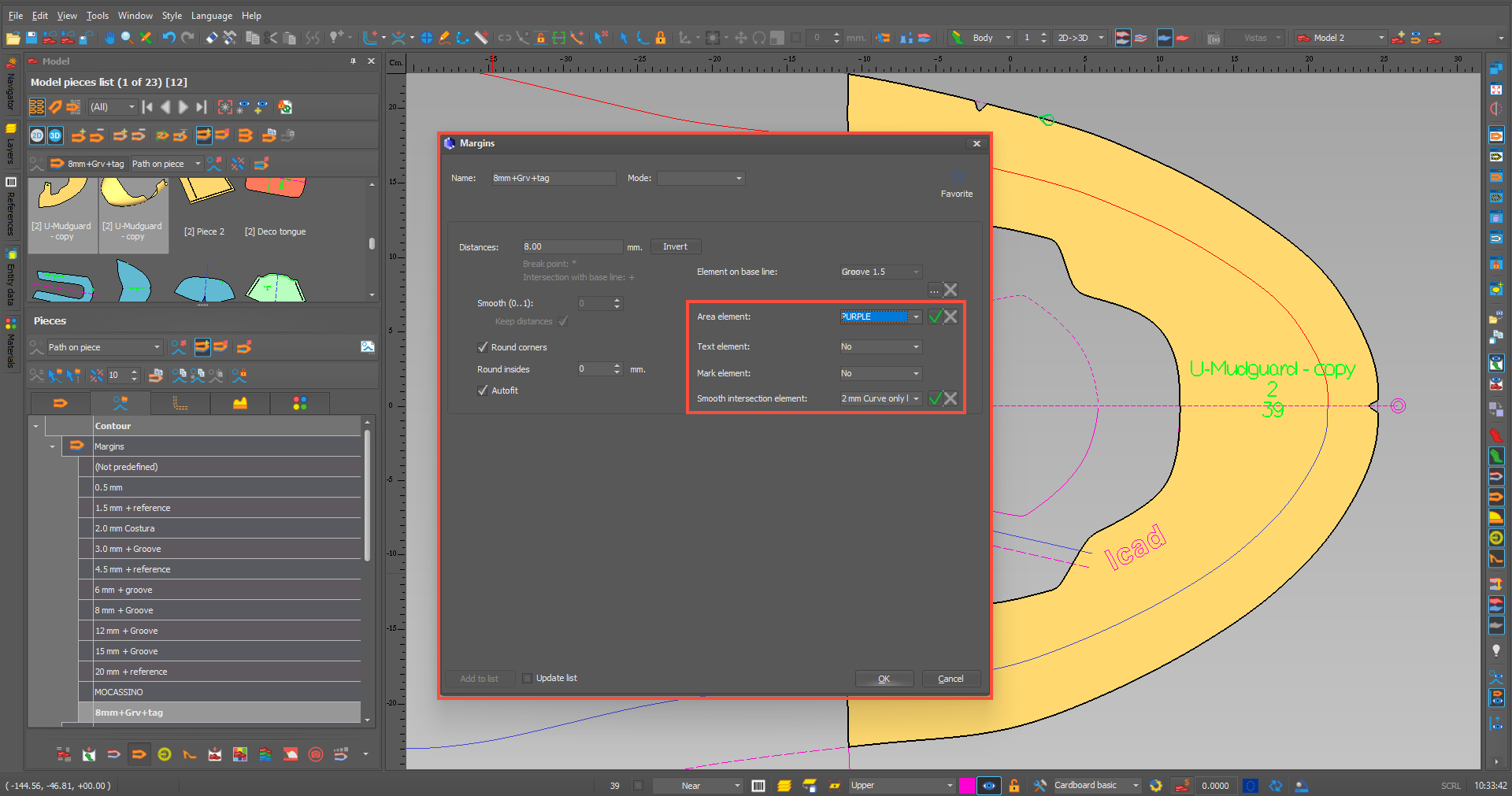
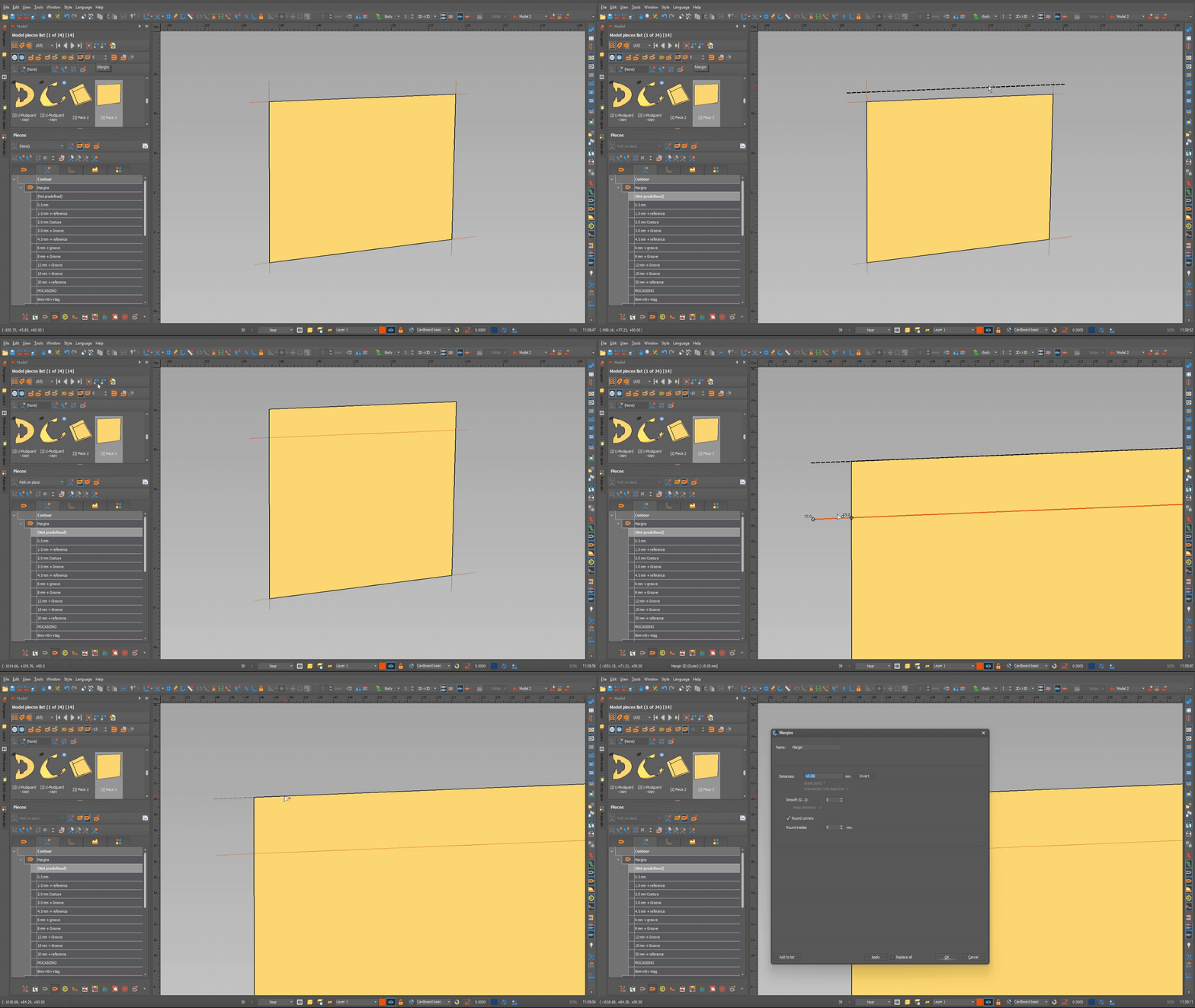
  • More options have been added for creating pieces margins.

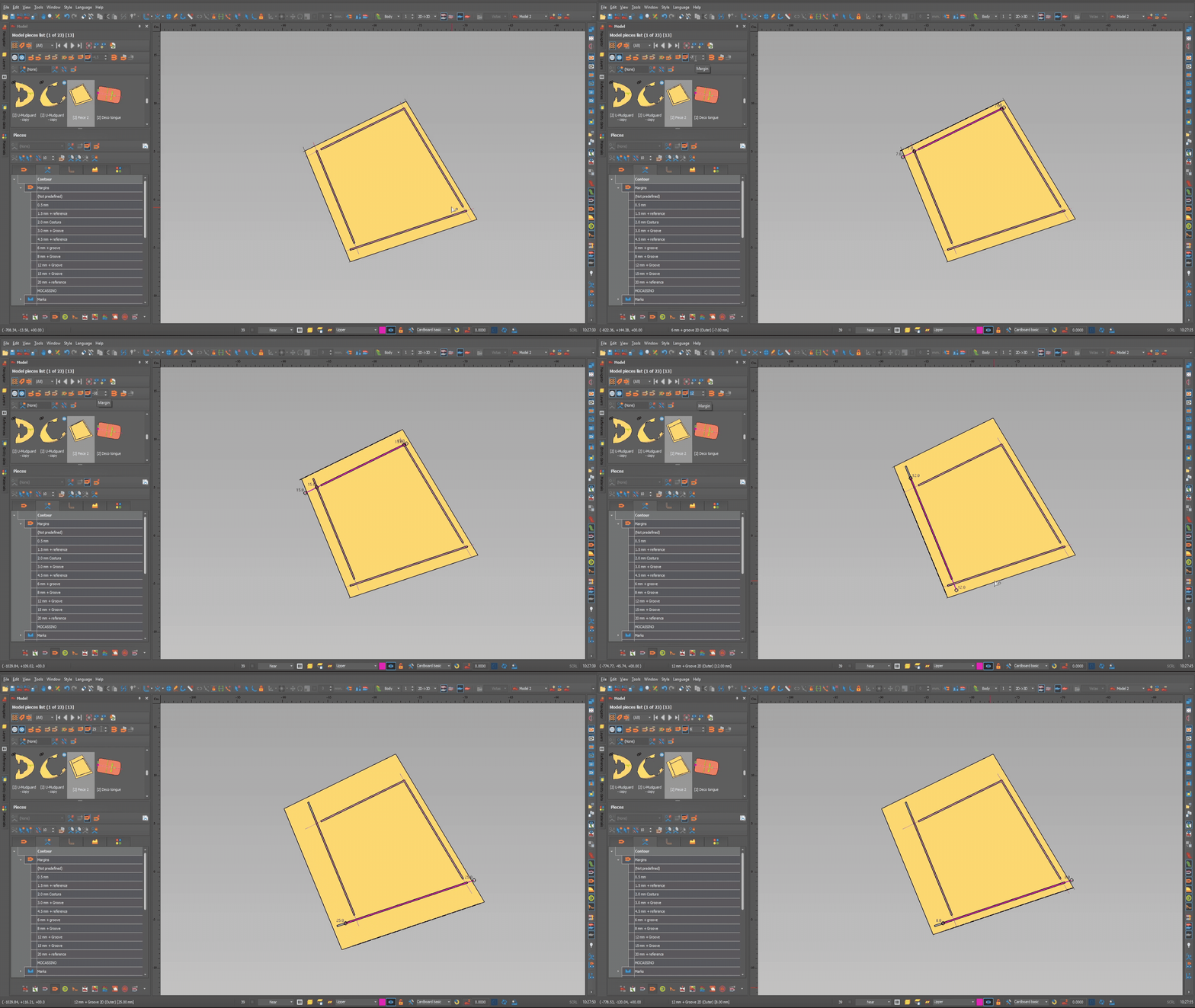
  • You can edit a continuous part margin, segment by segment, by pressing the ALT key.

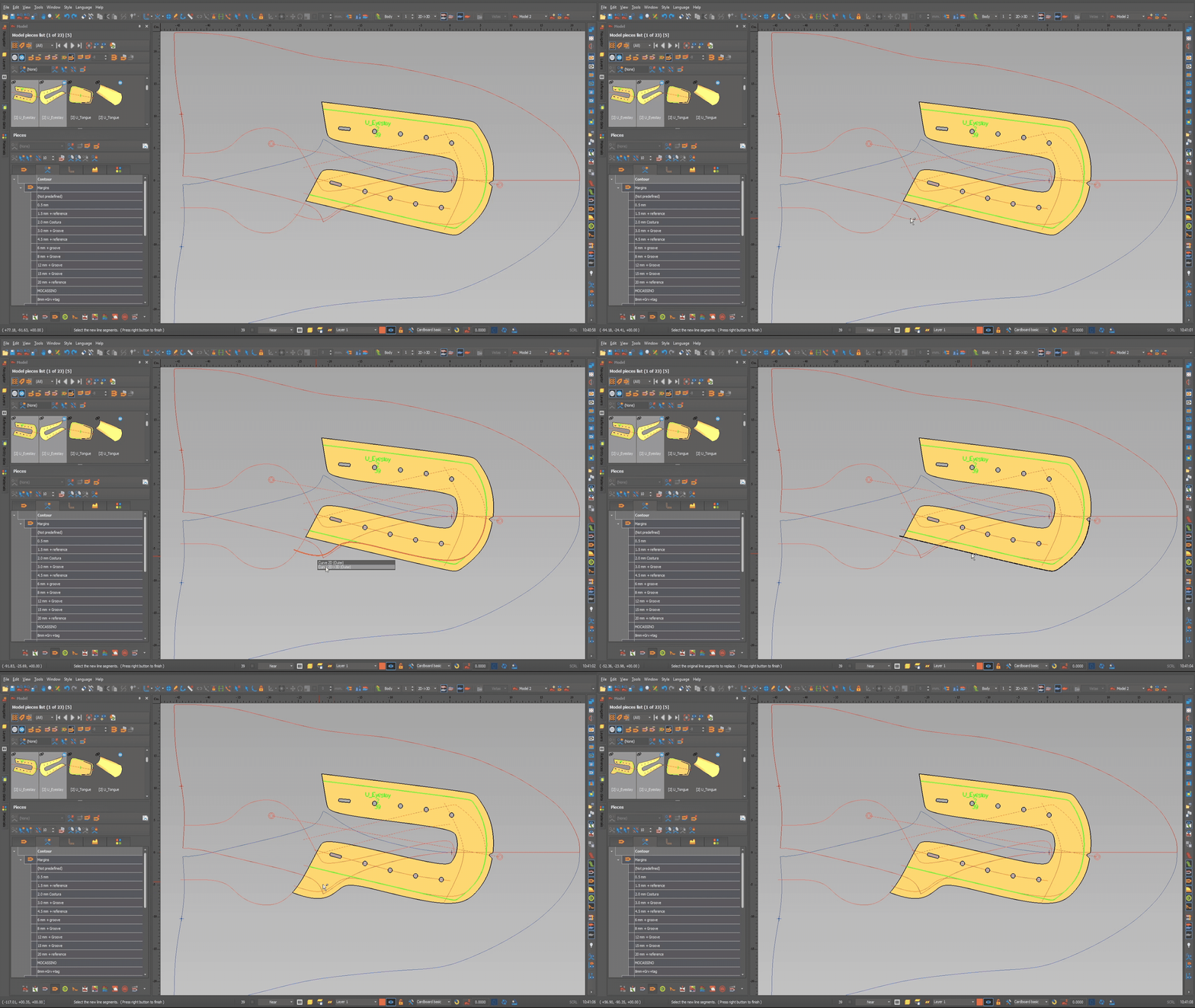
  • A new feature has been added whereby, when you replace a single line with a single section that is a part margin, the margin applied to the part is retained on the new line.

  • Now, if we add a margin to a part on top of another margin, when we edit it, the total margin is displayed.

MATERIALS

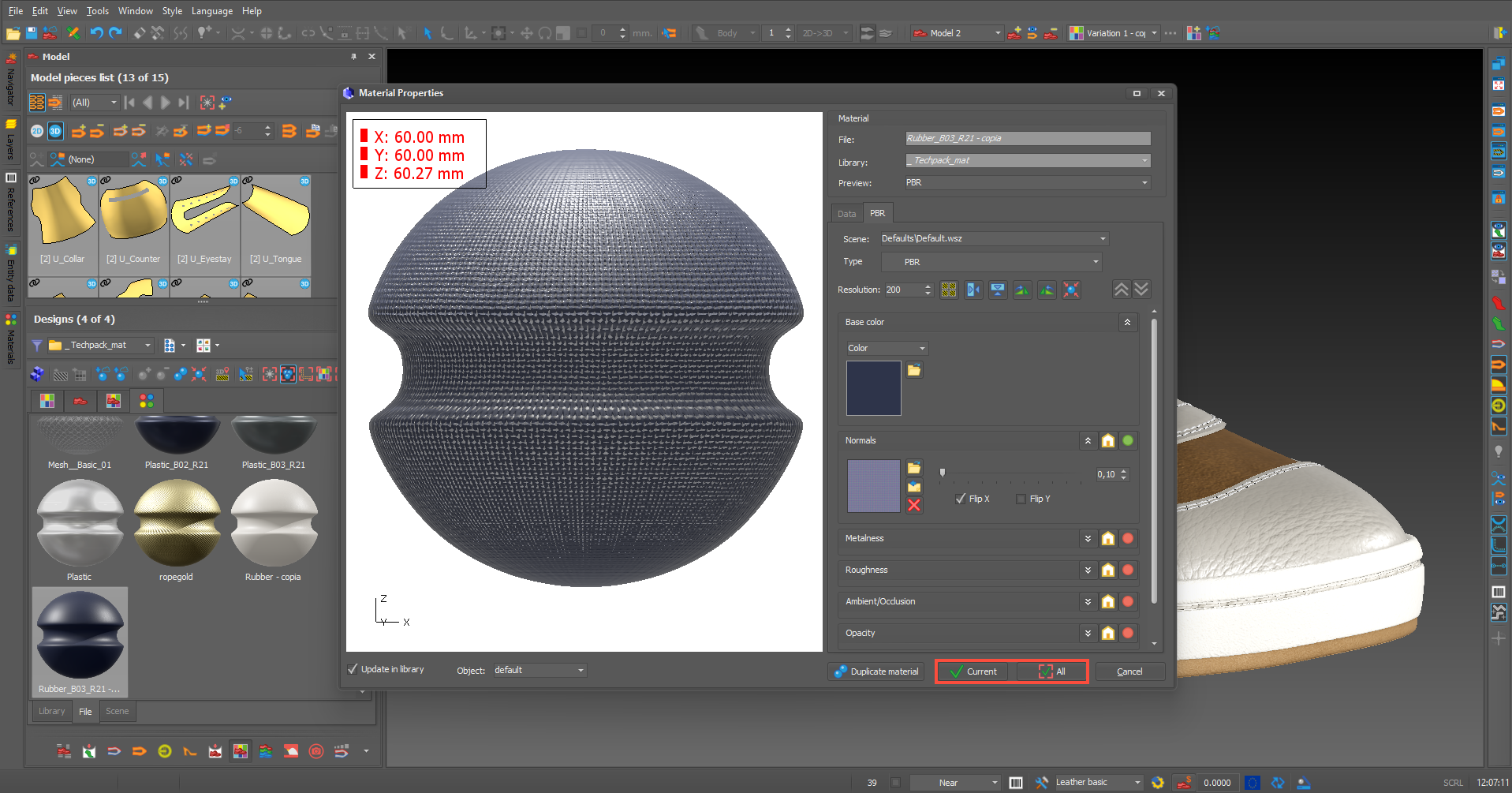
  • New option has been added: when editing a scene or custom material, if there is more than one variation, a new button will appear allowing you to apply the change to either just the current variation or to all variations.

GRADING

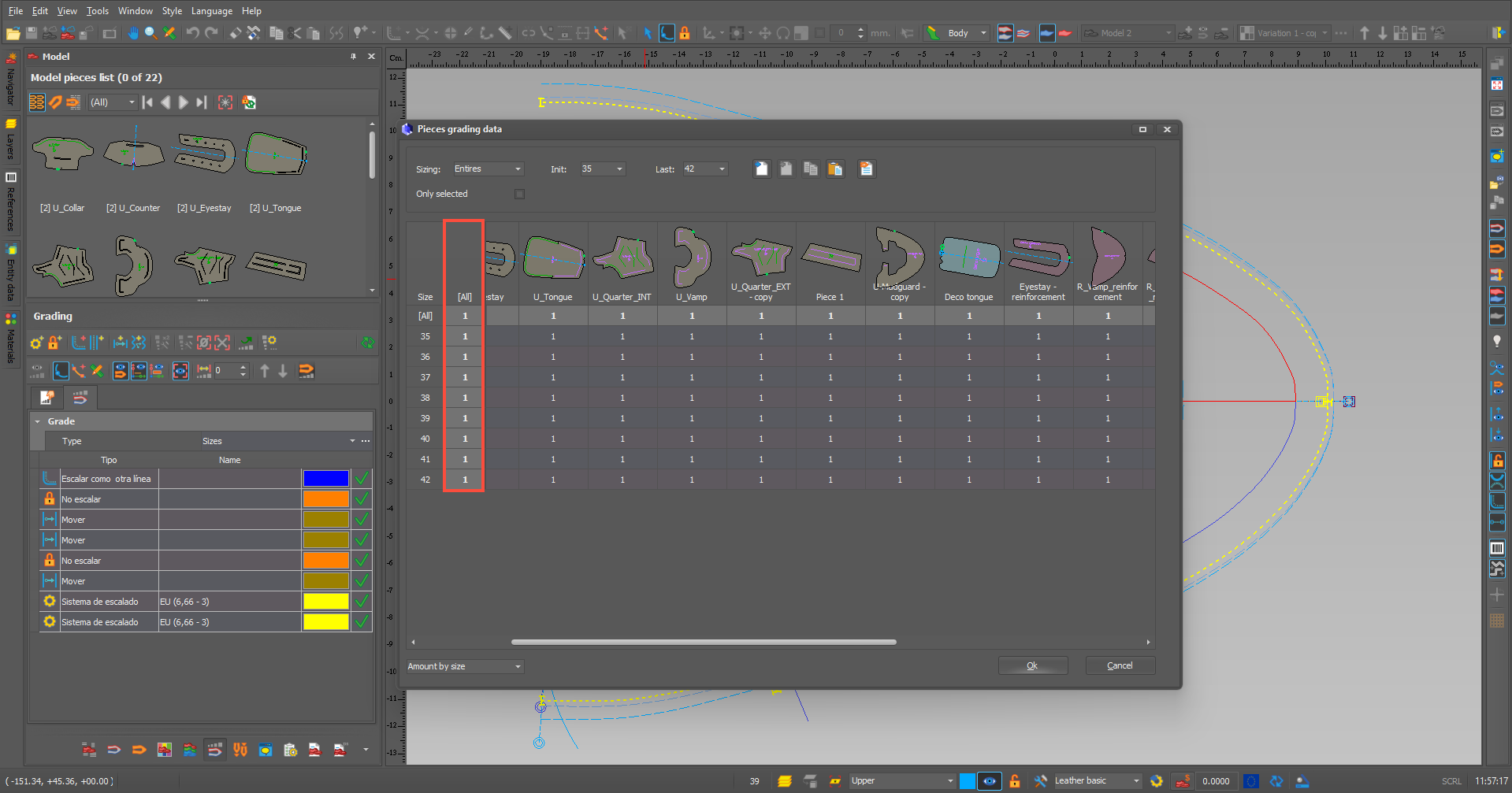
  • The “ALL” column is now always displayed, even when scrolling through the list of pieces.

TECHPACK

  • Cursor mode has been enabled with the following improvements:

– Scale entities using the SHIFT+CTRL keys (using ALT applies a smaller scale factor)

– You can deselect entities using the ESC key.

– Select all entity types as in the other mode: parts, etc.
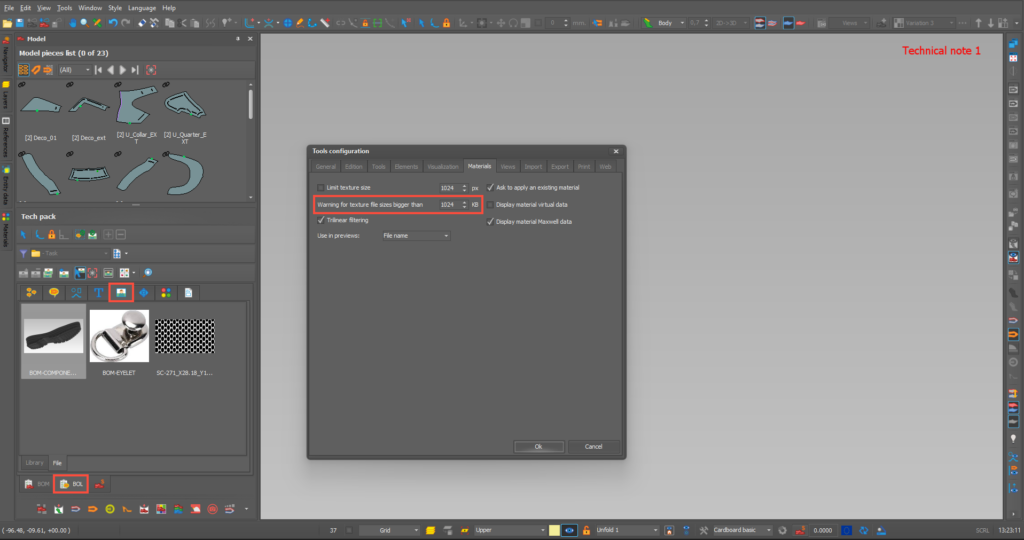
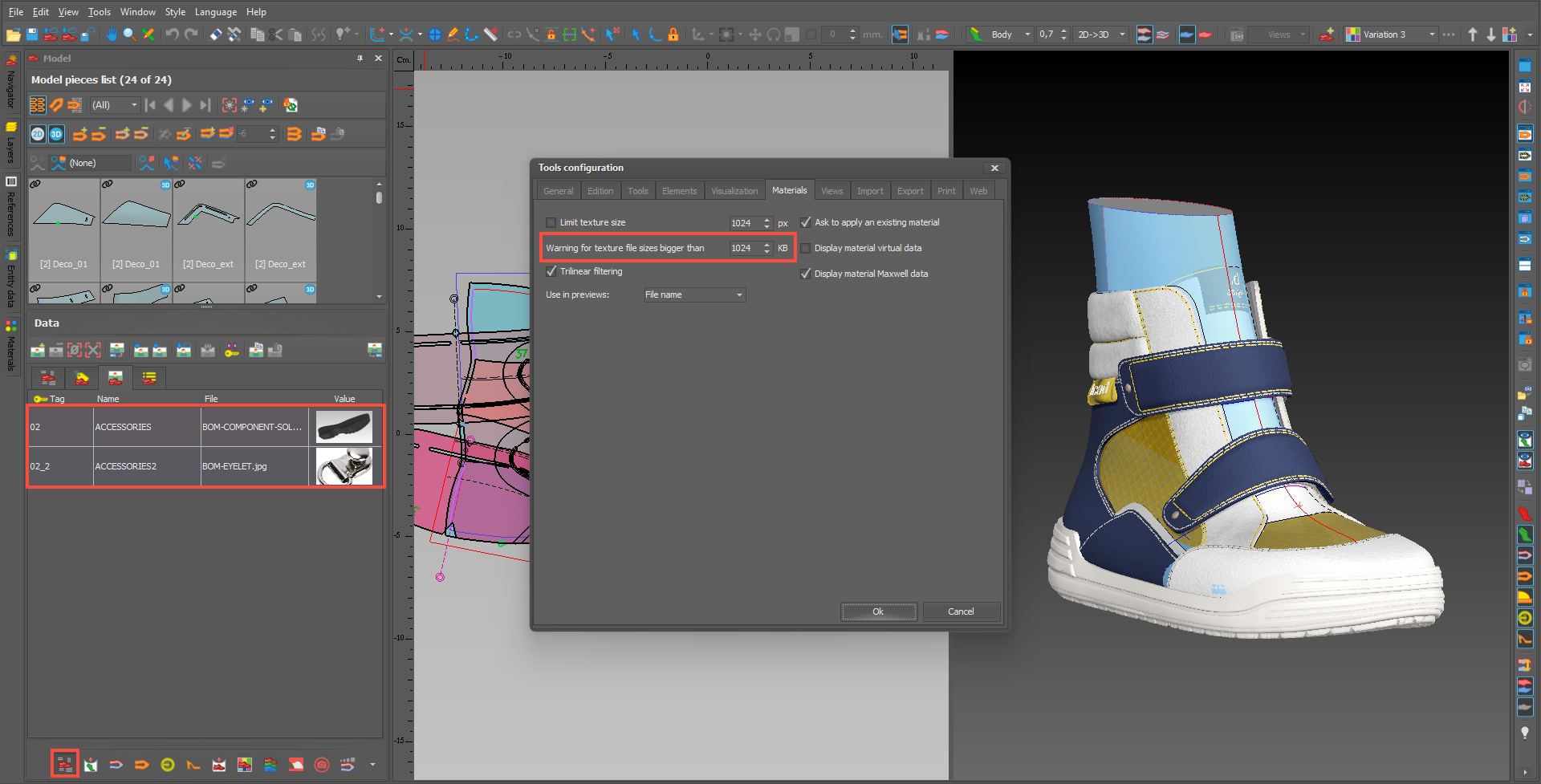
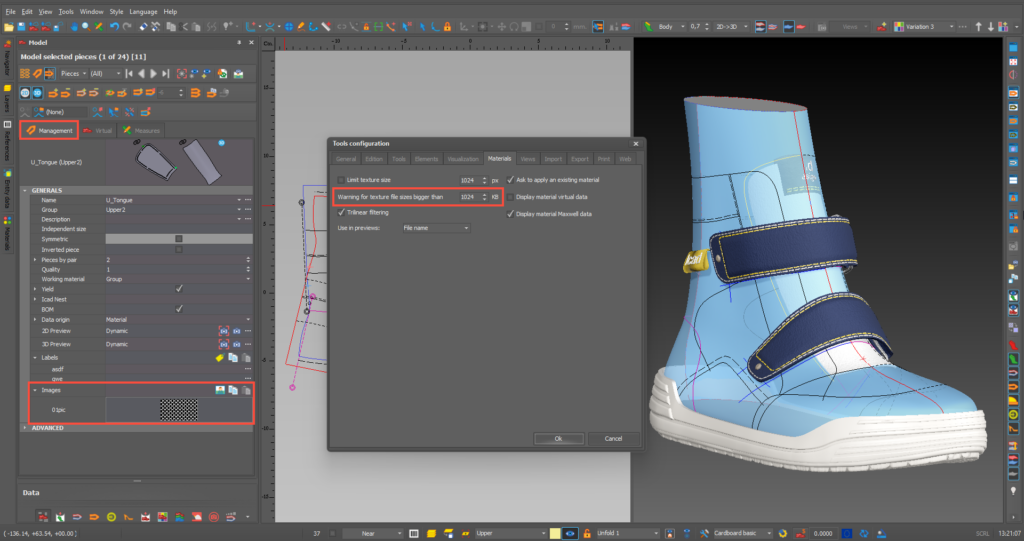
  • When we import an image into the model, we can now resize it to the value we’ve set for the texture size limit.

  • The stitching simulation in BOL has been improved and is now more realistic.

  • The options for copying and pasting items from one technical note to another have been improved.

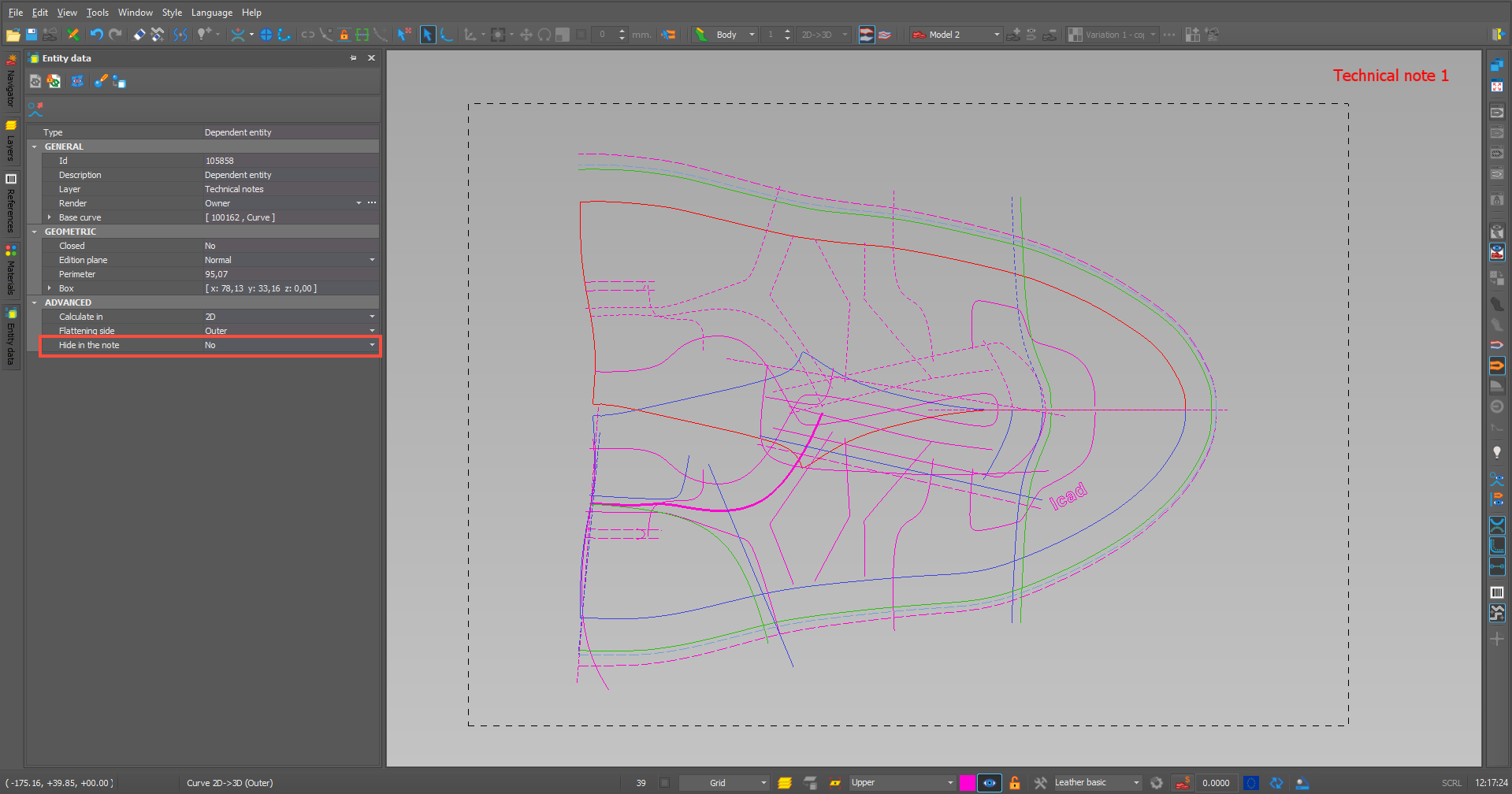
  • The ‘hide in note’ field has been added to the organisation details form to make it more accessible.

GENERAL

  • Bug fixes and improvements.
Privacy Overview

This website uses cookies so that we can provide you with the best user experience possible. Cookie information is stored in your browser and performs functions such as recognising you when you return to our website and helping our team to understand which sections of the website you find most interesting and useful.