Skip to content
Imagen representativa de What’s new June 2026
Topic: Icad
Date:

What’s new June 2026

CONFIGURATION

  • Keyboard shortcuts have been set up to allow you to:
  • Select the ELEMENTS to be applied individually.
  • Sym 2D 
  • Join pieces
  • Split pieces
  • Delete unused entities
  • Add curve by angle

SHELL

  • The CENTRE LINE tool has been improved to allow users to select any two entities and apply the centre line command.
  • Now, when we edit multiple points at the same time, the original line is displayed.
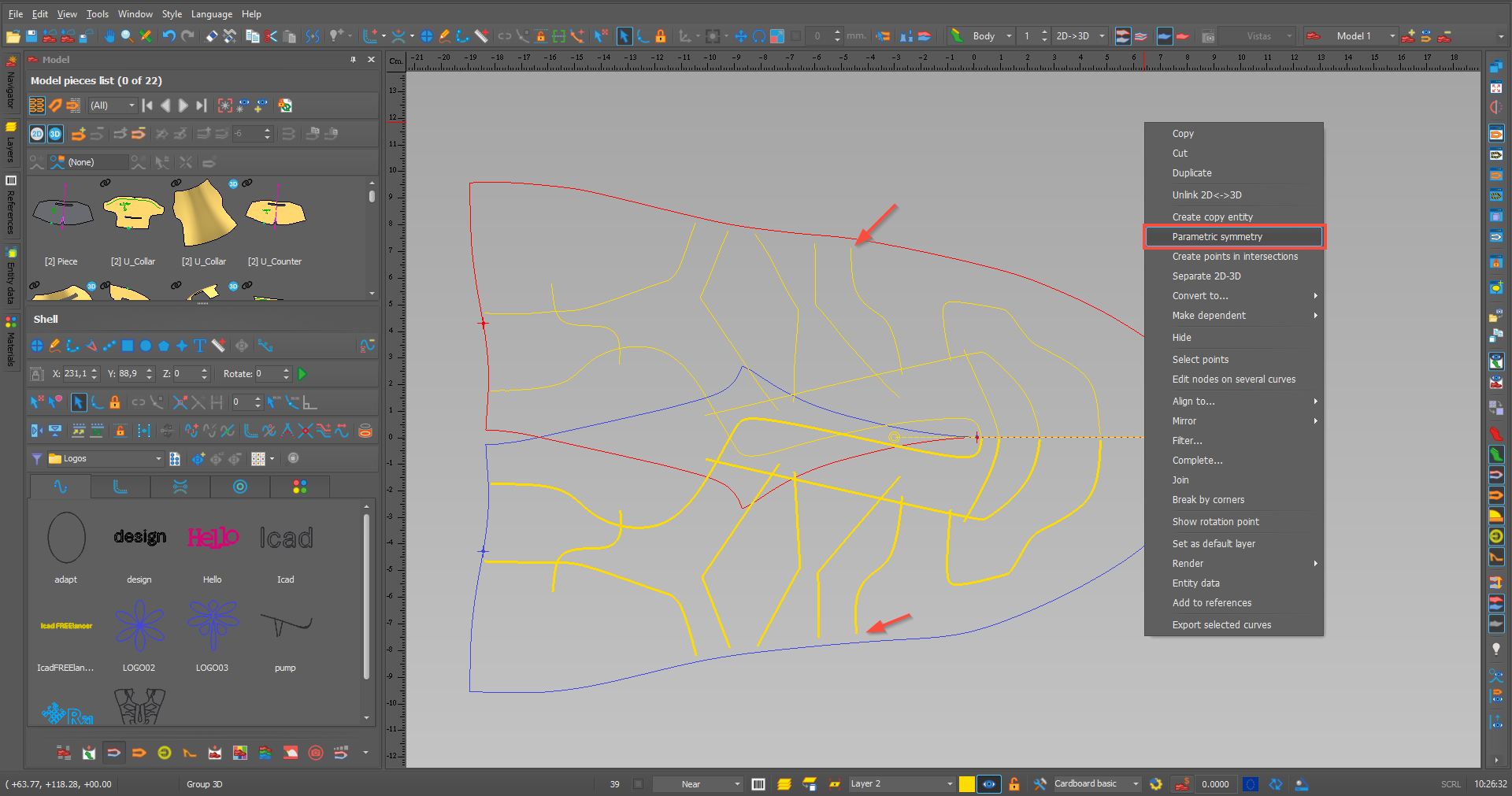
  • For orthopedic footwear, the option to create a paramedical symmetry has been enabled.

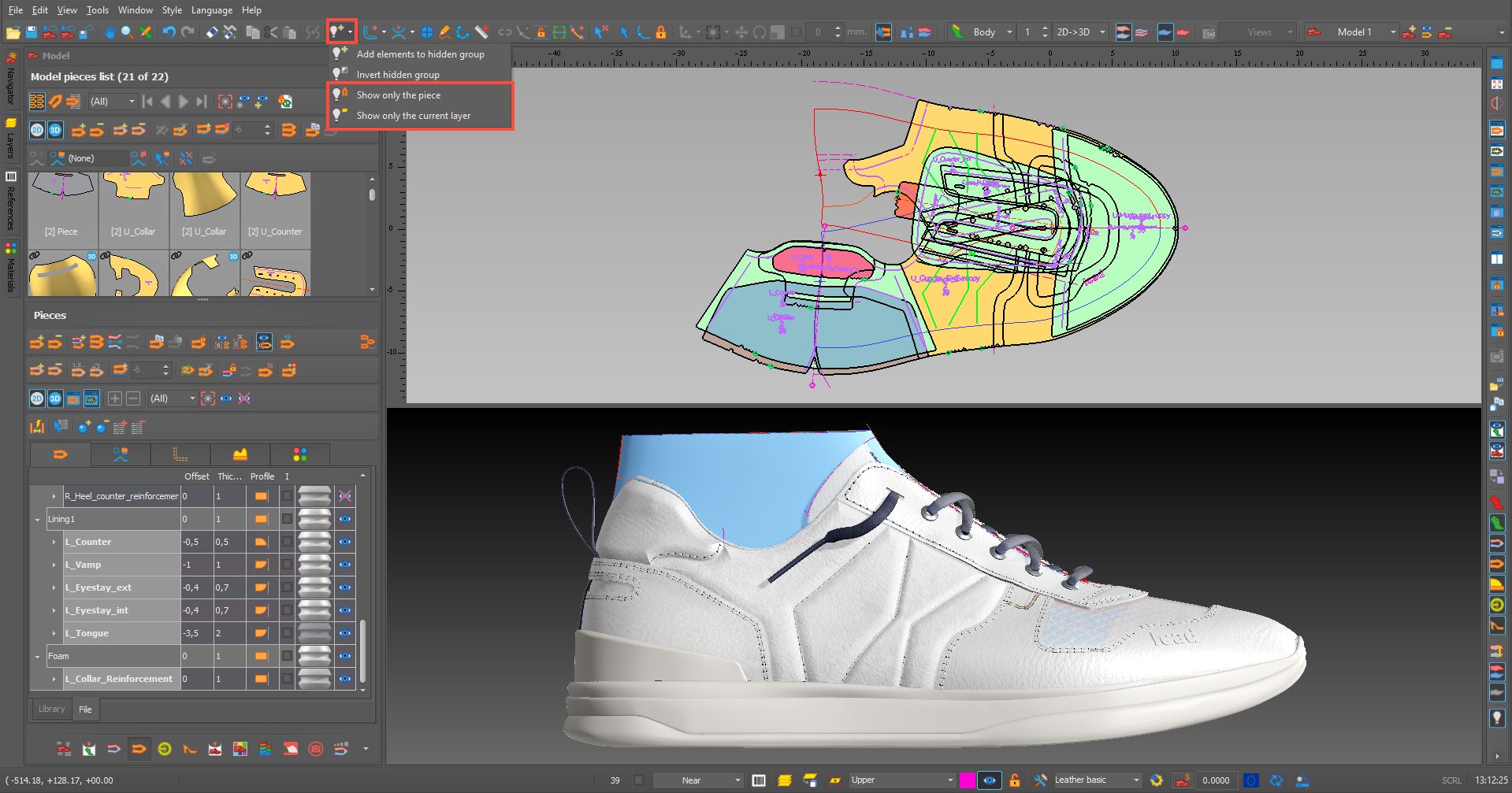
  • New options have been incorporated into the hidden groups tool.

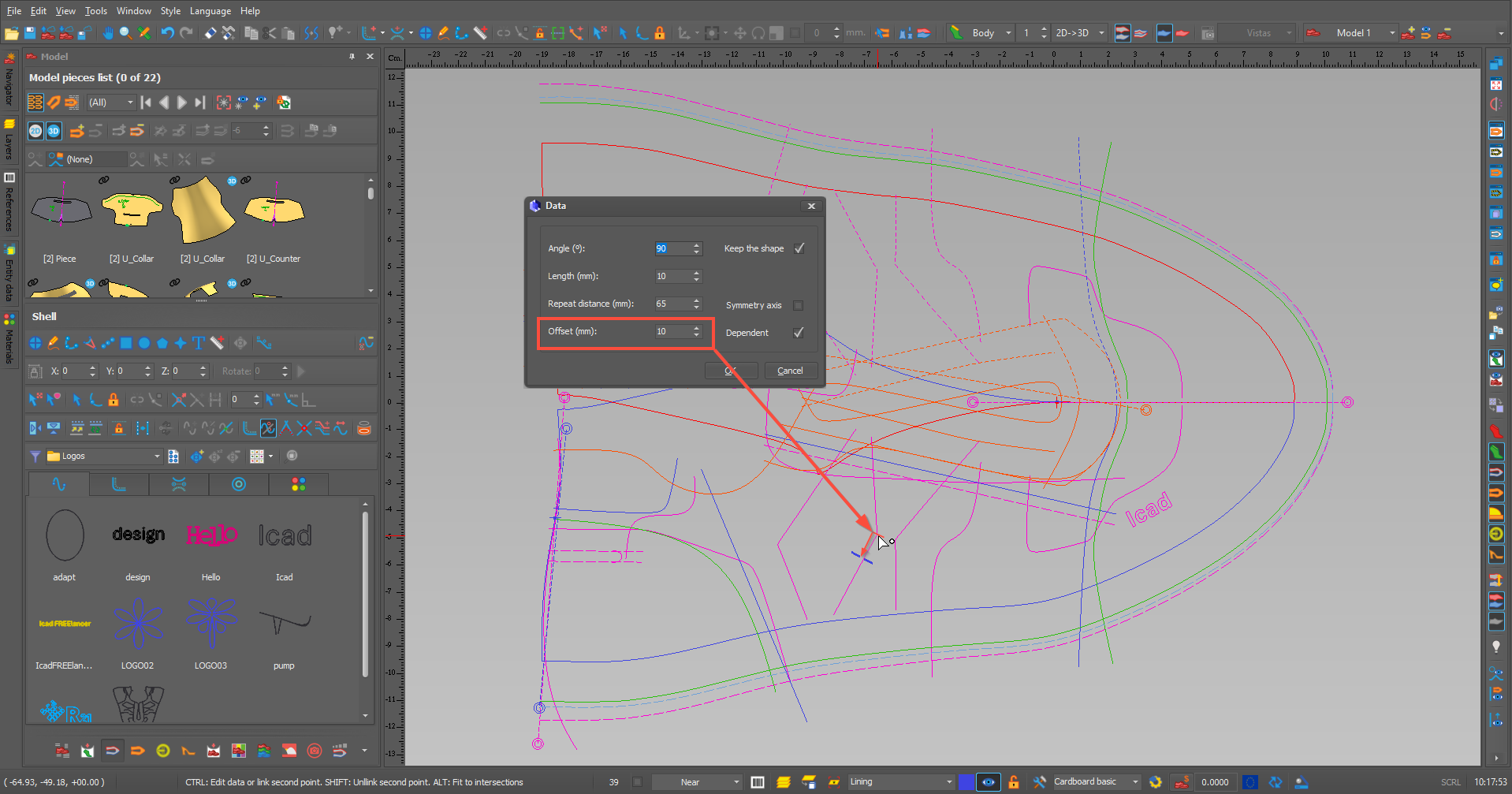
  • The offset value has been added to the “Add Curve by Angle” tool.

PIECES

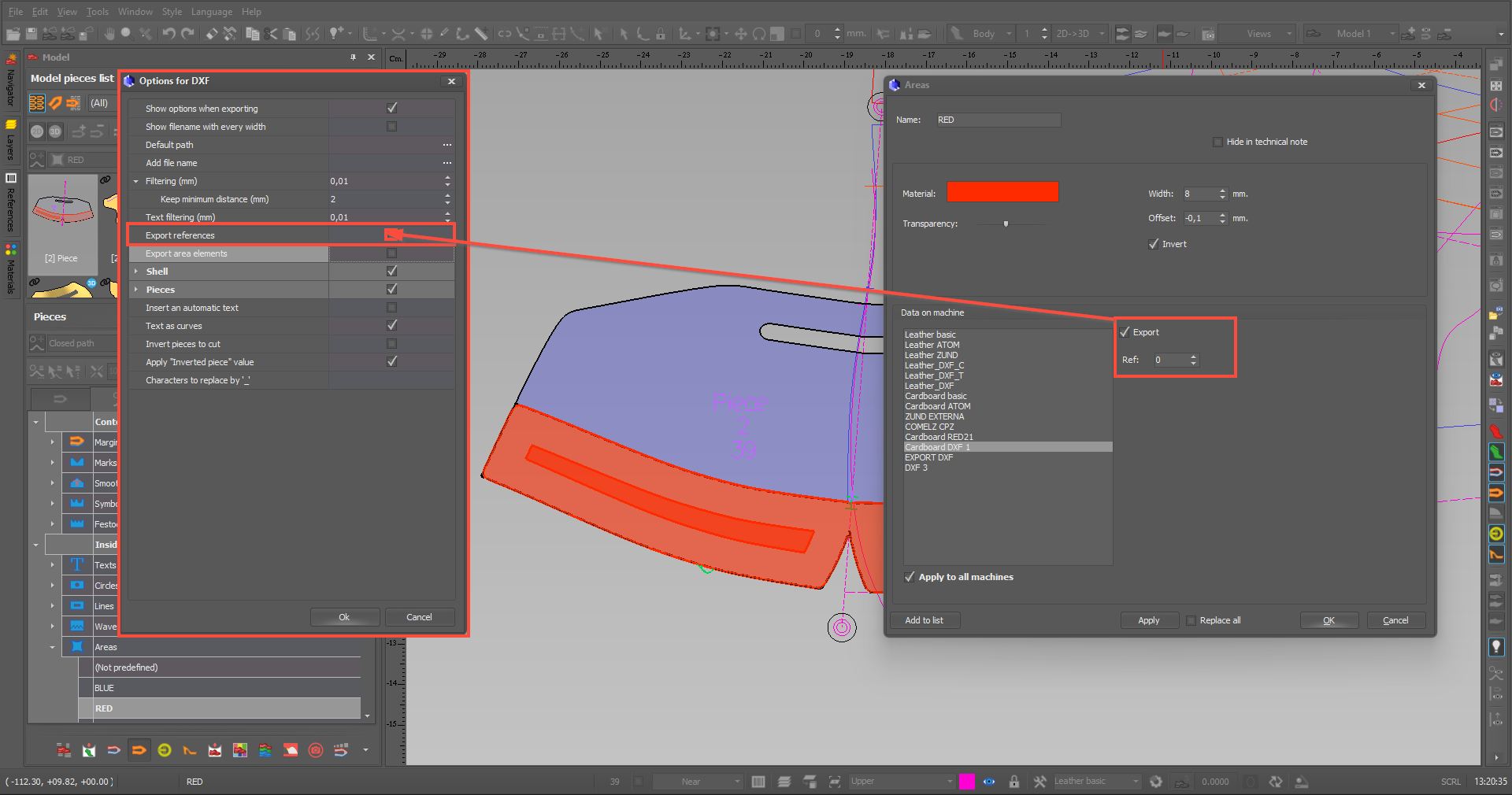
  • A new option has been added to export areas in DXF format.

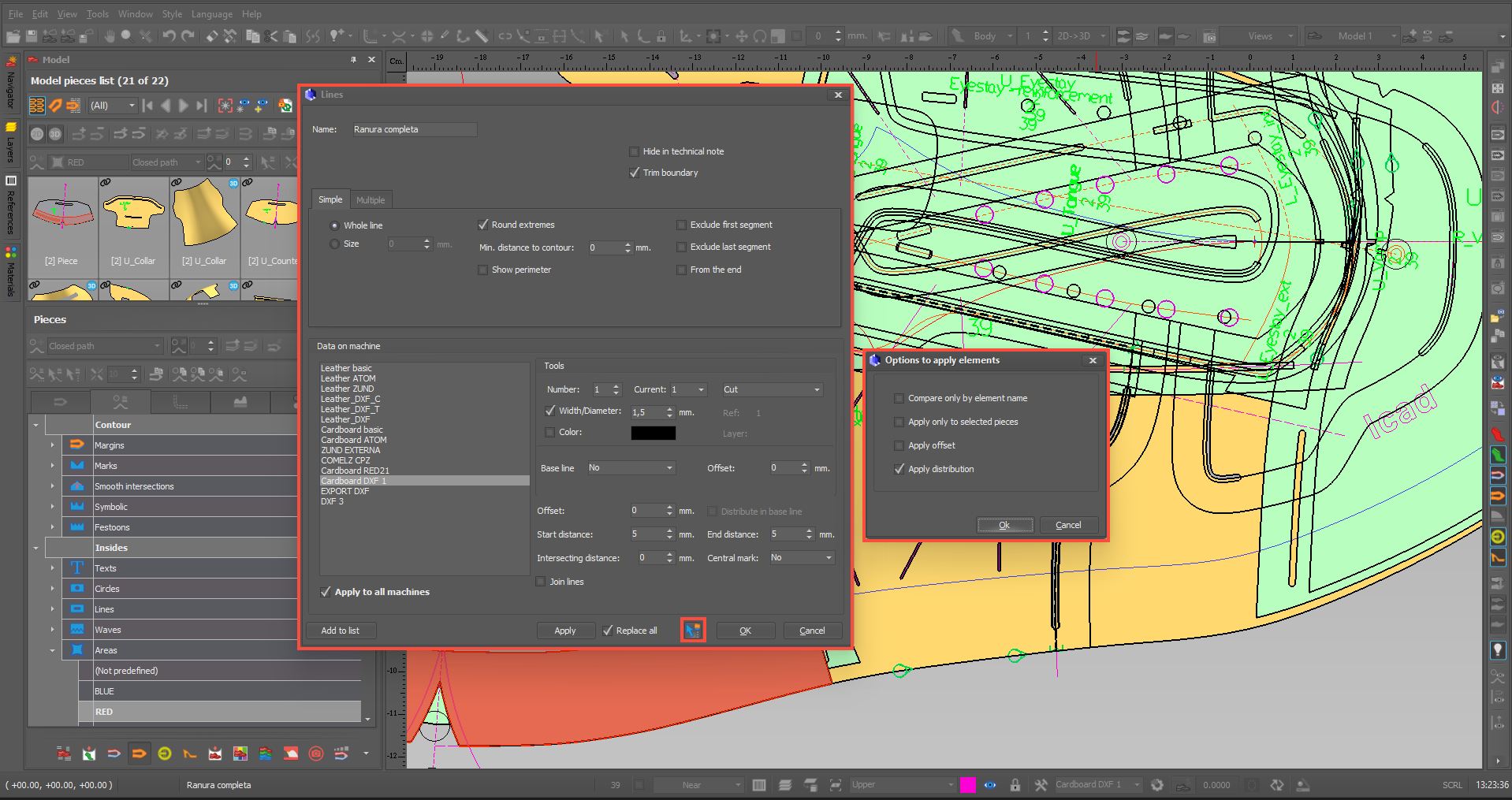
  • New options have been added for when you edit an item and want to apply the changes to all of them.

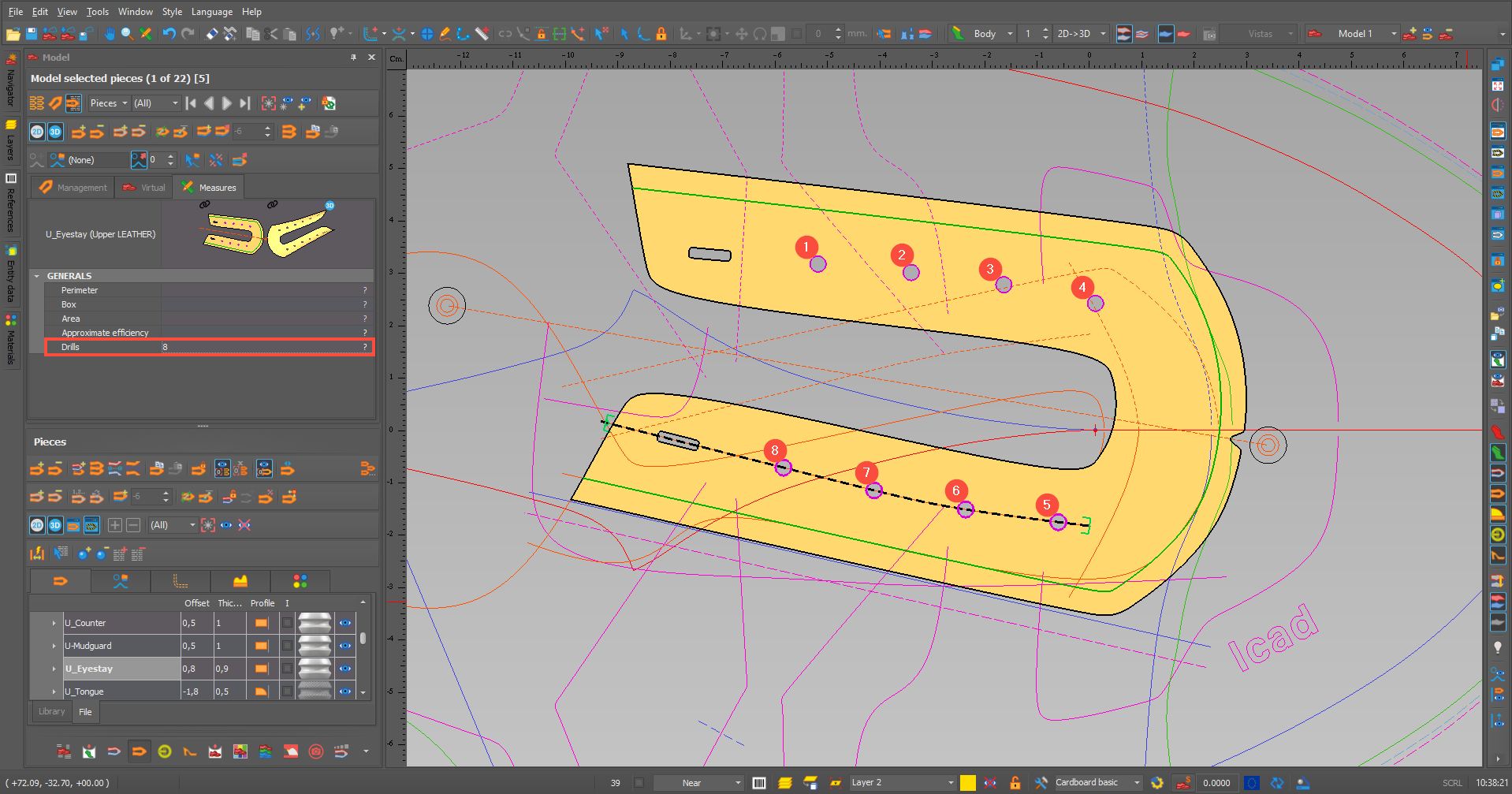
  • In the MEASUREMENTS tab, the number of drills applied to a piece has been added.

MATERIALS

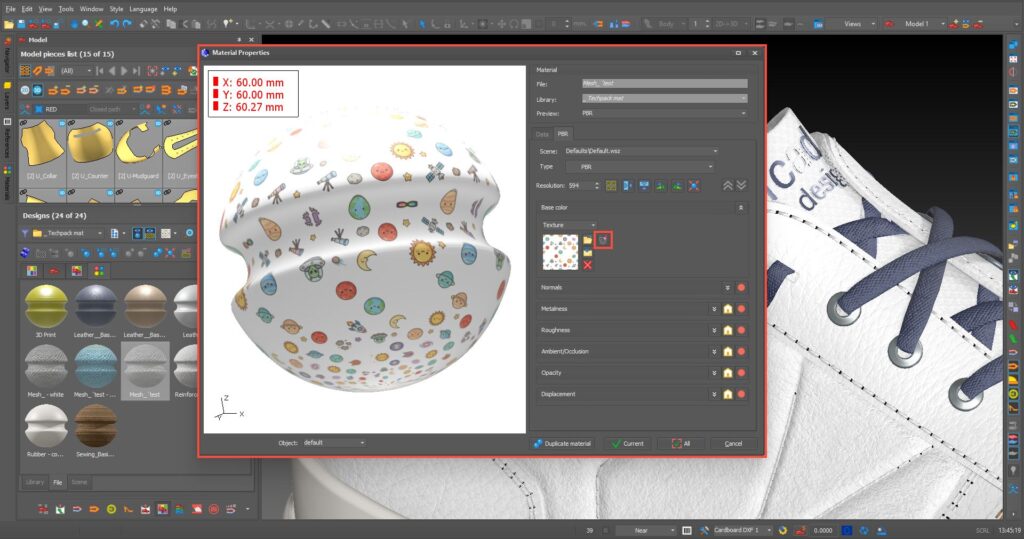
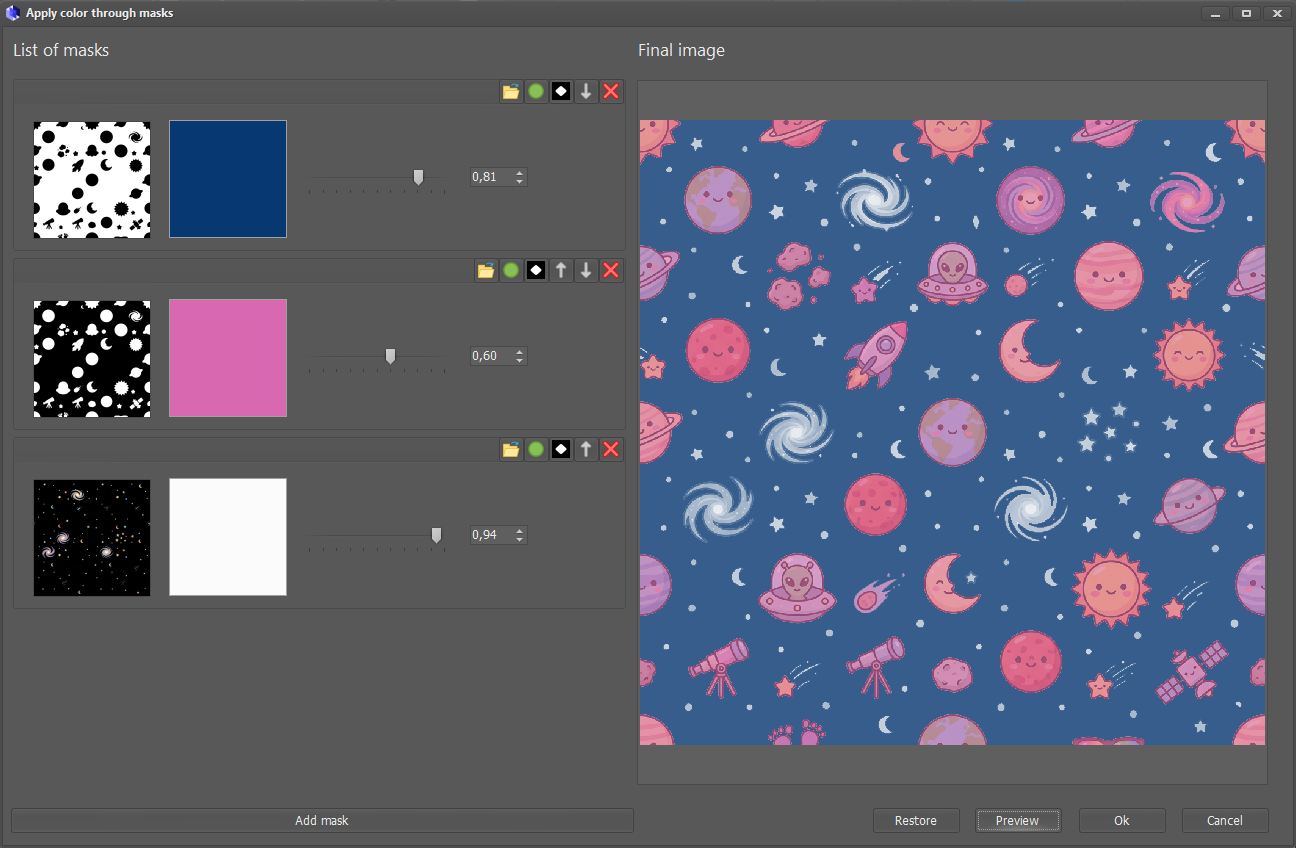
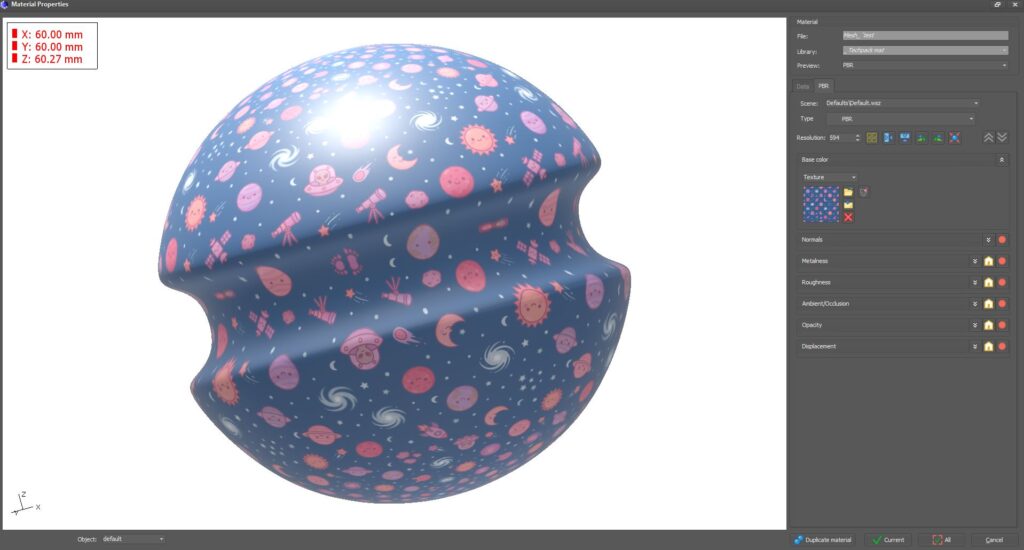
  • The option to add colour masks to materials has been enabled.

GRADING

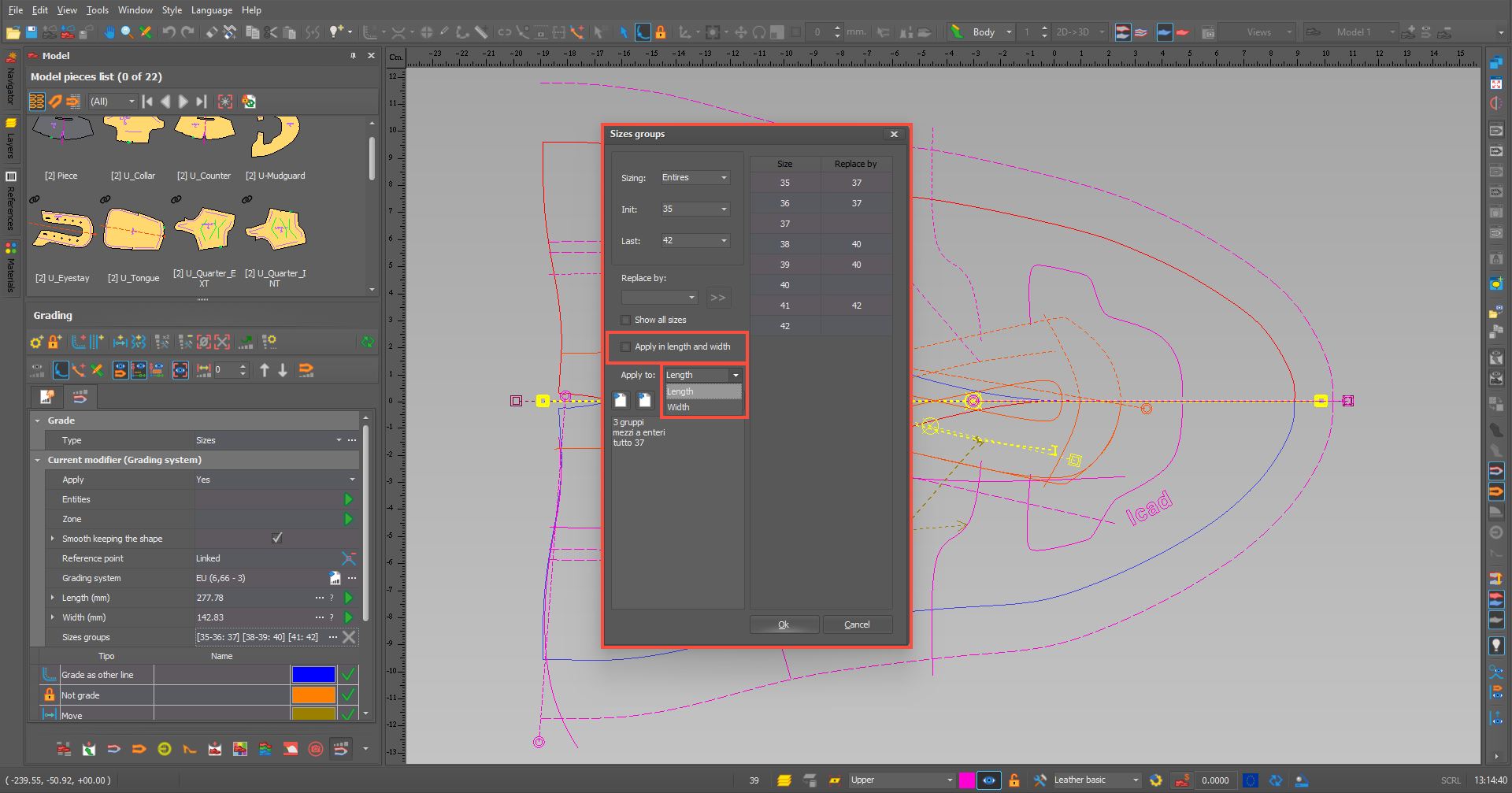
  • A tick box has been added so that the increases are applied to both height and width, or so that we can choose whether we only want them applied to height or width.

YIELD

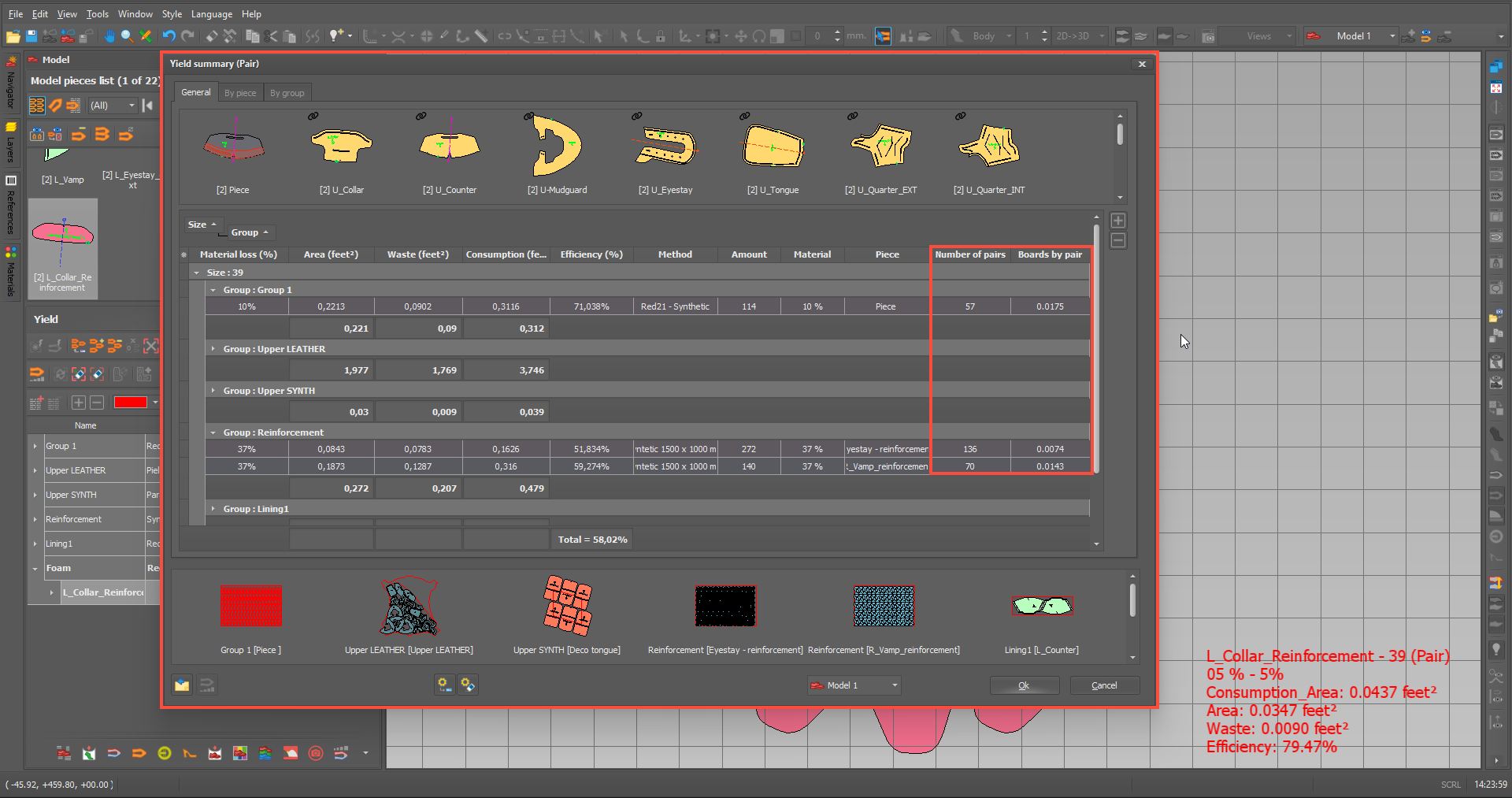
  • The YIELD report now includes the option to view images of all the leathers, as well as the option to export everything to Excel.
  • The option to display more data in the YIELD report has been added.

DESIGN MODEL

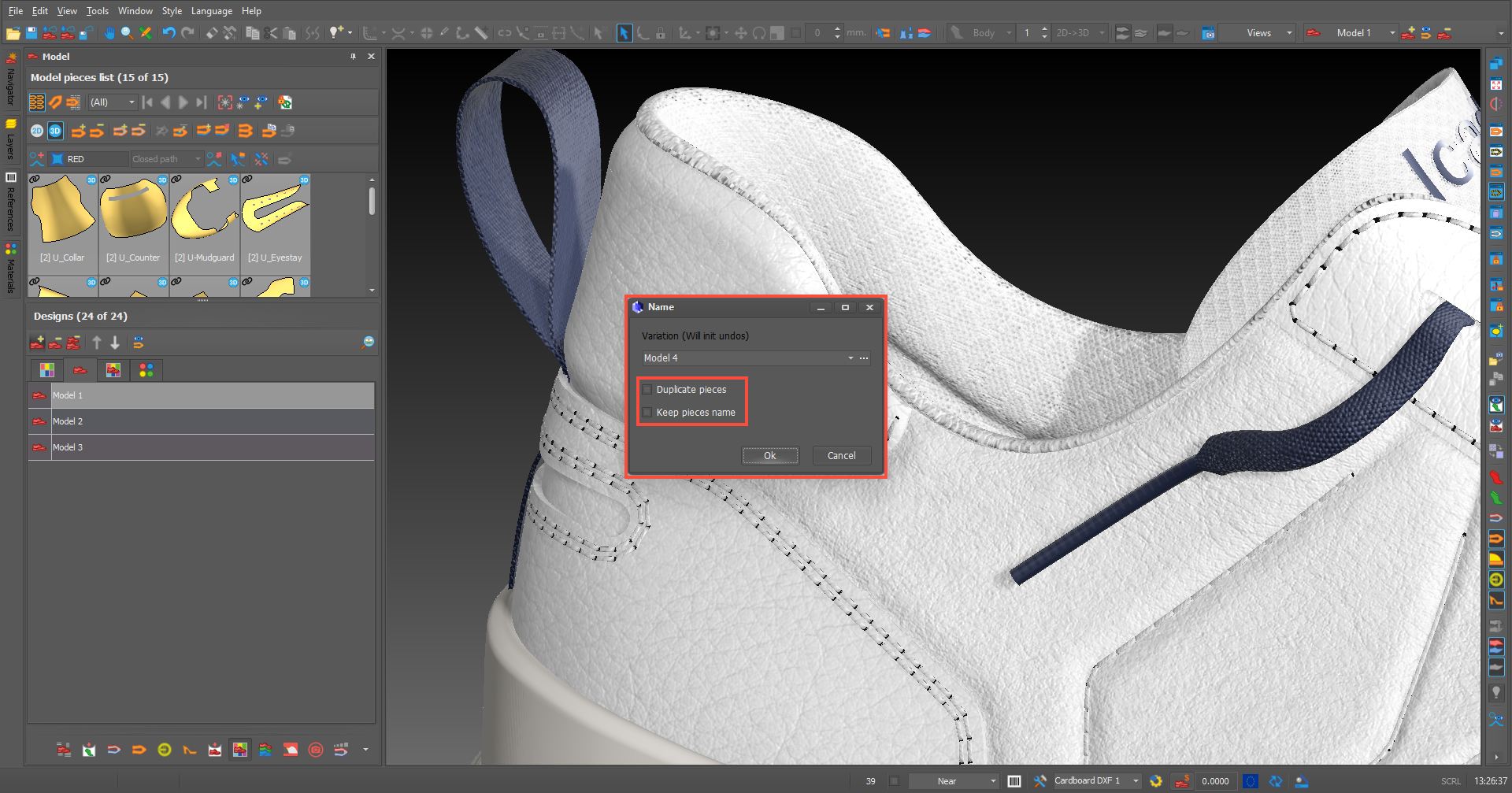
  • When duplicating a model, we now have a new option to duplicate all the parts of the model.

TECHPACK

  • The techpack option has been improved so that now, when we have an automated data sheet, changing the submodel causes the labels to be recalculated and adjusted to the submodel.
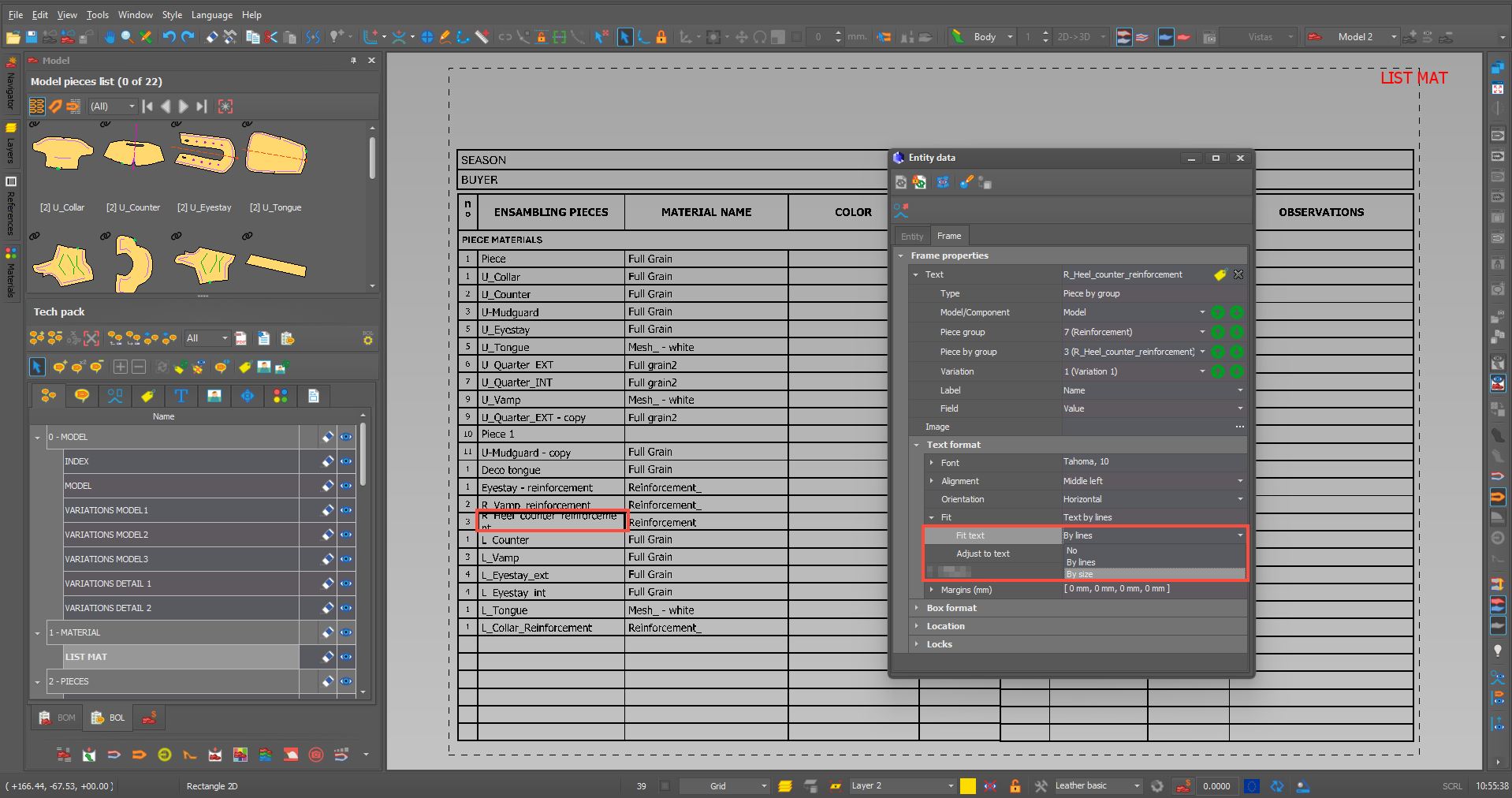
  • You can now adjust the text by lines or by size (by resizing the text until it fits within the box). You can also adjust the rectangle to fit the text (height only), which is compatible with line-based text adjustment.

  • A new ‘LABELS’ tab has been added to the Techpack form to make it quicker to create a model technical data sheet.

  • We can now manage the configuration of boxes via ‘ENTITY DATA’.

GENERAL

  • Bug fixes and improvements.
Privacy Overview

This website uses cookies so that we can provide you with the best user experience possible. Cookie information is stored in your browser and performs functions such as recognising you when you return to our website and helping our team to understand which sections of the website you find most interesting and useful.